
What are Tools?

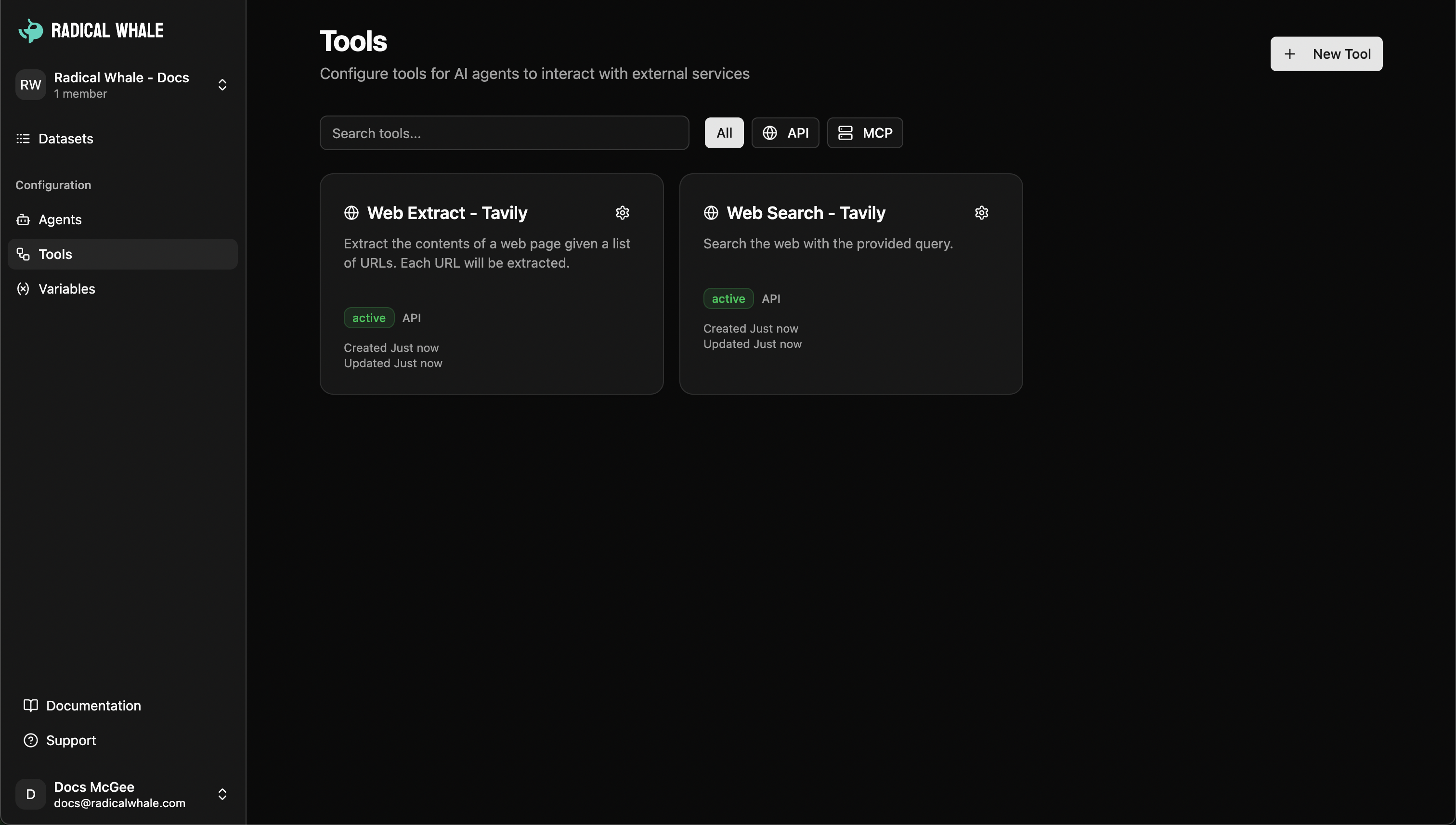
Tools enable agents to access external APIs, services, and data sources, going beyond conversation to retrieve real-time information, perform actions, and integrate with existing systems. Tools interface showing API configuration and external integrations
Tool Types

API Request Tools

Configure HTTP requests to any external API: Configuration: HTTP method (GET, POST, PUT, DELETE, etc.), request URL with variable substitution, headers (including auth), query parameters, request body (JSON), input schema (JSON Schema format). Input schema example:
{
  "type": "object",
  "properties": {
    "search_query": {
      "type": "string",
      "description": "The search term"
    },
    "max_results": {
      "type": "integer",
      "default": 10
    }
  },
  "required": ["search_query"]
}
Variable substitution: Use schema variables in URLs (https://api.example.com/search?q={{search_query}}), headers (Authorization: Bearer {{api_token}}), and request bodies.

Tool Testing

Built-in testing capabilities: Schema validation with sample data, API testing to verify connectivity, response preview before deployment, error debugging.

Managing Tools

Tools dashboard for creating new tools, editing configurations, testing functionality, and organizing your tool library with search and filtering.

Agent Integration

Assign tools to agents → Agents discover capabilities automatically → Agents choose when and how to use tools → Tool results seamlessly incorporated into responses.

MCP Server Tools

Model Context Protocol support for dynamic tool discovery, server connections, standardized protocols, popular integrations (Tavily Search, GitHub, Slack, Google Drive). Learn more about MCP Server Tools.